Compare Movesense HR+ Developer Kit with AI Wearables alternatives
Inspect chest ECG quality during movement. Compare the complete setup, developer access and trade-offs before choosing your first build.
Movesense HR+ Developer Kit
One wearable captures electrical and motion signals and accepts custom C++ sensor applications.
Use an optical armband for pulse measurement on the upper arm, or a sensor with a suitable medical intended use for clinical work.
Hardware facts link to manufacturer documentation. Build fit is our editorial assessment. The linked hardware experiments are still unrun; synthetic code checks do not establish accuracy, speed, battery life or reliability on these devices.
Compare the whole build
Choose two products, or add a third. On a small screen, swipe across the table.
| What matters | 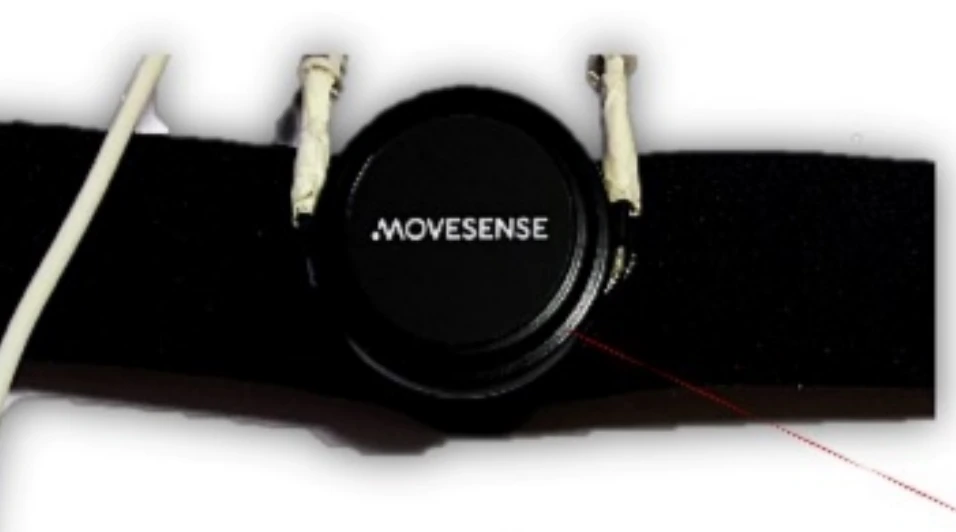 Movesense HR+ Developer Kit ↗Full specificationsEstimate my cost → | 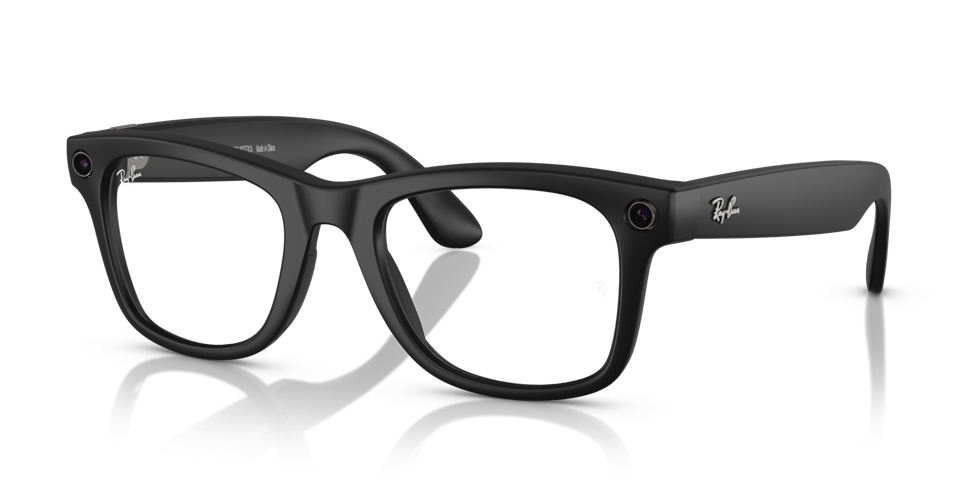 Ray-Ban Meta ↗Full specificationsEstimate my cost → |
|---|---|---|
| Who it suits | One wearable captures electrical and motion signals and accepts custom C++ sensor applications. | Start here for a first-person workbench camera connected to a phone app. Our proposed build checks framing before saving a still. Choose this route when the useful output is an image or a phone-side cue and you can work within Meta’s device-session and permission model. |
| What you can build first | Snap the sensor onto the chest strap, connect with Movesense Showcase and export a short ECG recording to your phone. Record acceleration separately to verify the motion channel before combining streams. Success means reopening an export with changing sample values and advancing timestamps. Official recording guide · Build guide | Proposed first result: a phone photo log that asks the wearer to reframe a target when the captured image is unclear. Start with a printed marker, then explore a workbench checklist or an annotated first-person tutorial. Keep feedback on the phone or through a supported audio path; do not design around a nonexistent glasses display. Capture and framing build |
| Device price | €249 for the HR+ Developer Kit (business customers only). | $299 was the starting price at the original Gen 1 launch in 2023. Current exact-model checkout price is unverified: obtain a Gen 1 quote and check condition, lenses and charging case. Do not substitute Gen 2 pricing. Original launch price |
| Other setup costs | Reuse a compatible phone, belt and working cell. Quote a missing phone or replacement cells. Optional replacement patch kit €39.90. | Use an existing compatible phone and development computer. Confirm that a used purchase includes the charging case and suitable cable; replacement accessories and prescription lenses are extra. No new phone, lenses or replacement parts are included in this example. |
| Subscriptions and usage | €0 required software or cloud service for local Showcase capture. | $0 subscription for the included camera/audio/Meta AI features described by Meta. That does not include a third-party model API, backend hosting or app distribution costs. Our proposed phone-side capture/detector prototype budgets no paid cloud inference. Included features and subscription FAQ |
| First-year build budget | €249 conditional capture subtotal with reused phone and working cell, plus any replacement cells or optional supplies. Excludes tax, shipping, electricity and labour. | Current Gen 1 hardware quote + any missing accessories + $0 included-service subscription for the local prototype. The old $299 launch figure is a historical reference only, not a current first-year offer. Add your own cloud/hosting budget if the app sends frames to an external model. |
| Price basis and date | Movesense Finland store, 25 November 2026, 0% VAT, listed in stock. | USD · Original Gen 1 · Checked 5 Nov 2026; $299 is historical, current checkout unverified. |
| Getting started and difficulty | Start with the free Showcase app on a Bluetooth LE iOS or Android phone. Record the sensor and firmware identifiers first. A later C++ build needs the embedded toolchain, a computer and a firmware update. The Python desktop capture example needs Python 3, a Bluetooth LE host and sensor firmware 2.3.0 or newer with GATT SensorData Protocol. Capture tools · Firmware setup | First run the official Android Camera Access sample and complete device registration and camera permission. Verify that one captured still reaches the phone before adding recognition. The pinned sample documents session, preview and capture controls; SDK/firmware/account compatibility remains a prerequisite. Expect Android development and asynchronous device lifecycle work. Official sample |
| Capture and feedback | Chest electrodes provide ECG and beat intervals. The inertial and magnetic sensors provide motion data. Showcase exports samples on the phone. | Camera and microphones capture the wearer’s surroundings; open-ear speakers provide audio. The companion app can show camera preview and captures. This Gen 1 profile covers camera glasses without a display. Original hardware |
| AI location and data flow | Proposed quality classification runs on the host first. Moving the detector to the chip requires an embedded port and a memory measurement. | The glasses capture media; our proposed detector runs in the companion-phone application. A cloud model is an additional application choice. Device Access Toolkit access does not mean your application can replace or program the built-in Meta AI assistant. Camera sample |
| Setup, accounts and services | Sensor, chest belt and working CR2025 plus a compatible BLE phone for the free Showcase app. | Original Gen 1 glasses, charging case, compatible phone, Meta AI app and developer app registration. The linked build follows Android DAT 1.0.1. Check current firmware requirements and developer-preview release-channel rules before sharing an app. Developer access |
| What developers can control | Whiteboard subscriptions, iOS/Android libraries, desktop Python capture and a C++ device SDK. | Build a companion app around permitted camera streaming and photo capture. Start with the official sample, then add image analysis. This is a mobile-development project; firmware replacement and a custom in-lens interface are outside this route. |
| Wear, power and availability | CR2025 coin cell. Active sampling and continuous BLE streaming affect runtime. | Wearable camera glasses with a charging case. Camera streaming, audio and phone processing have different demands from occasional photos. Measure a sustained session on the exact original model; newer-generation battery claims do not apply. |
| First end-to-end test | Read a short ECG export, then check time continuity after motion and a reconnection. | Use a printed target on a bench. Count failed captures as well as cropped or unreadable images. Measure delay, test permission denial and disconnects, and confirm recording stops when the session ends. Start with microphone capture disabled. |
| When to choose another route | Use an optical armband for pulse measurement on the upper arm, or a sensor with a suitable medical intended use for clinical work. | Choose Frame when you need to draw your own text in the wearer’s view. The original 2023 Ray-Ban Meta profiled here has no in-lens display. Choose a voice pendant if the job is mainly recording conversations. Newer Meta models have different capabilities. |
| Proposed build | Capture a chest ECG with Movesense Showcase → | Prototype a first-person bench camera → |
Start where you can build
Frame exposes a programmable display. Meta supplies camera access to a companion app. Plaud and Omi offer different routes into recorded conversations. Oura exposes synchronized account records. Access to one layer does not grant access to firmware or the maker’s built-in assistant.
Budget beyond the device
Check phone compatibility, account eligibility, subscriptions, developer-preview terms and any AI-provider costs. Confirm original-model stock and support before buying. Newer generations can have different hardware and SDK support.
Follow one piece of data
Trace a capture through transfer, processing, your interface and deletion. Test a disconnect and a stale result. Keep bystander consent, third-party services and exported copies visible in your design. Start with fictional conversations and labels; use invented sensor records before connecting personal data.