Prototype a first-person bench camera
Proposed build · Reproduce a Gen 1 still capture, verify permission handling with a mock, then score one real workbench target.
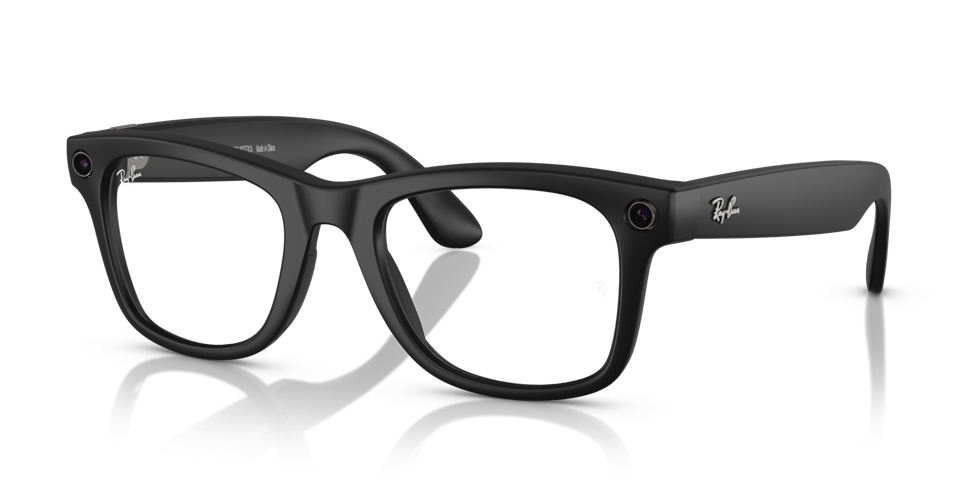
Device profile · Ray-Ban Meta ↗This is a proposed workflow. Follow the linked official setup, then use the checks below to decide whether it works on your hardware.
Hardware and toolchain
Intermediate Android project. Prepare a paired Gen 1 device for the physical run, the Meta AI app, a printed four-corner target and a phone running Android 12 / API 31 or later. The pinned CameraAccess sample compiles against SDK 36 and requires JDK 17+; its README specifies Android Studio Narwhal or later. For the mock step, a compatible Android emulator is sufficient. Toolchain Actual sample minimum Device list
For this pinned release the manufacturer pairs Meta AI V292 with glasses firmware V128. In Meta AI, open Devices → Device settings → General → About → Version to record the actual firmware before the run. Version matrix Where to check the installed version
1. Reproduce the sample
Check out the reviewed commit before opening the CameraAccess directory. For a local development build, Meta documents Developer Mode with both local.properties placeholders set to 0. For registration outside Developer Mode, use the app ID and client token assigned in the Wearables Developer Center. Preserve any existing Android SDK path in local.properties. Development and production registration Credential placeholders
git clone https://github.com/meta/meta-wearables-dat-android.git
cd meta-wearables-dat-android
git checkout --detach f4371bc9f90249d51eb07d7f8a61e8d829294f16
cd samples/CameraAccess
# In local.properties for local Developer Mode:
# mwdat_application_id=0
# mwdat_client_token=0
./gradlew :app:assembleDebug
2. Test the denied path on a mock
Start an Android 12+ emulator and run the selected instrumentation case. The upstream test pairs simulated Ray-Ban Meta glasses and programs the camera permission outcome. Check for a denied prompt, the absence of a streaming preview, and an available retry. Passing this test would establish the app transition only. Meta’s other fixtures inject plant.mp4 and plant.png in place of live optics. Mock test and fixtures
./gradlew :app:connectedDebugAndroidTest \
  -Pandroid.testInstrumentationRunnerArguments.class=com.meta.wearable.dat.externalsampleapps.cameraaccess.InstrumentationTest#cameraPermissionDeniedKeepsSessionReady
3. Run on a physical pair
Disable the sample’s Mock Device Kit. Enable Developer Mode in Meta AI on the paired phone, install the debug app and choose Connect. Confirm registration, tap Start Session, then Preview and approve the glasses-camera prompt. Leave sound-in-video off. Point at the empty bench, capture one still, and check whether all four corners and the center label appear. If firmware needs updating, log the version and resolve that before scoring. Running CameraAccess Permission and session code
4. Record a result you can reproduce
Log the glasses generation and firmware, DAT and Meta AI versions, phone model, target distance, trial number, capture success and framing score. Dismiss the still, stop the preview, end the session and check that the phone stops receiving frames. Keep errors such as permission denial separate from cropped or blurred captures. The lab has reviewed the source; the build, mock test and physical trial remain unrun here. Trial sheet and scoring