Compare Plaud NotePin with AI Wearables alternatives
Turn meetings into checked notes. Compare the complete setup, developer access and trade-offs before choosing your first build.
Plaud NotePin
Start here when you want a deliberate recording-and-review workflow with less device programming. Our proposed meeting-note audit compares a generated action item with a timestamped transcript and source audio. The custom work begins with the account outputs or exported files.
Choose Omi when direct capture SDKs or an account API are central to your experiment. The original NotePin is absent from the current Embedded supported-device list, which names NotePin S and Note Pro. Do not assume those models’ SDK support applies to this capsule. Supported devices
Hardware facts link to manufacturer documentation. Build fit is our editorial assessment. The linked hardware experiments are still unrun; synthetic code checks do not establish accuracy, speed, battery life or reliability on these devices.
Compare the whole build
Choose two products, or add a third. On a small screen, swipe across the table.
| What matters | 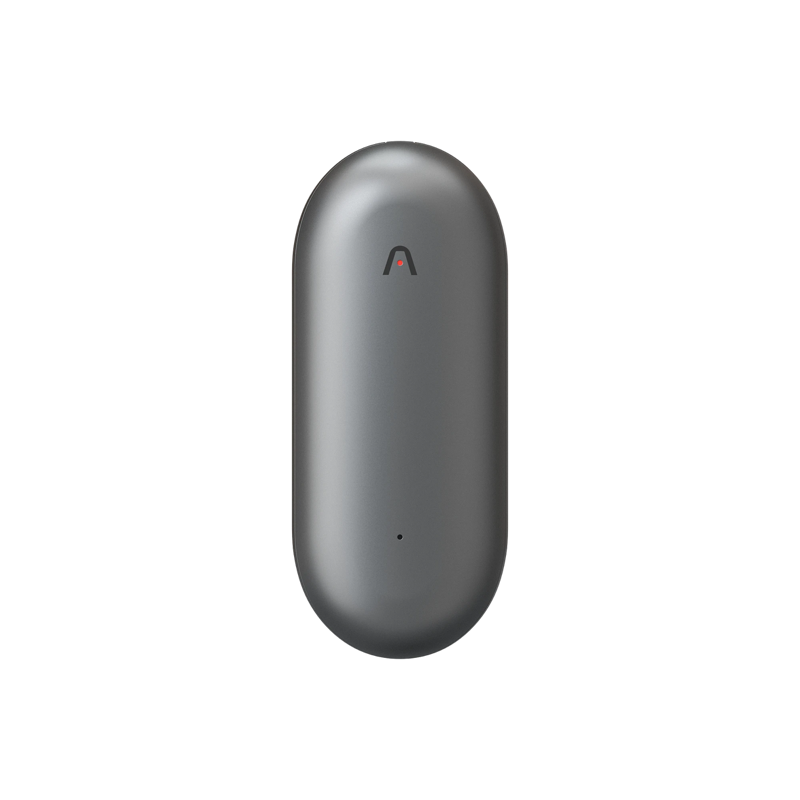 Plaud NotePin ↗Full specificationsEstimate my cost → | 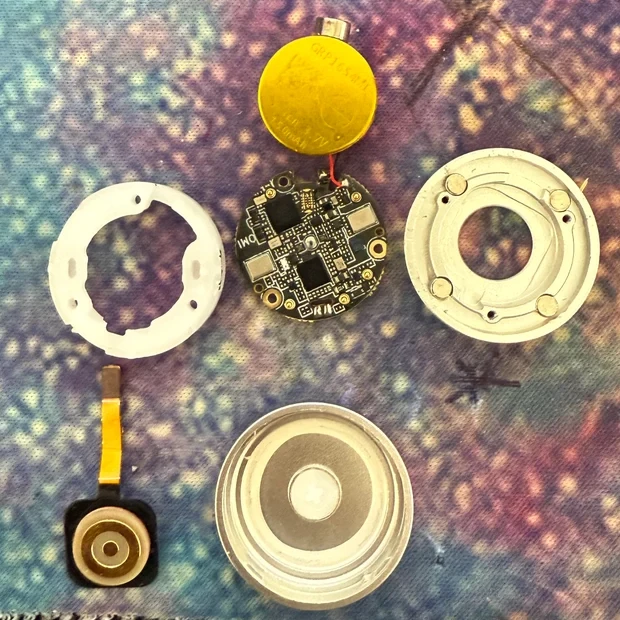 Omi CV1 (Consumer Version 1) ↗Full specificationsEstimate my cost → |
|---|---|---|
| Who it suits | Start here when you want a deliberate recording-and-review workflow with less device programming. Our proposed meeting-note audit compares a generated action item with a timestamped transcript and source audio. The custom work begins with the account outputs or exported files. | Start here when the project needs a custom workflow around conversations or a documented device SDK. Our first build imports one conversation into a review queue with evidence offsets, an unknown-owner state and explicit approval. Start with account records before attempting a new capture application. |
| What you can build first | Proposed first result: an action-item list in which each task links back to the transcript passage that supports it. Include a deliberate correction such as “Tuesday—actually, Thursday” and check which date survives. Extend this into an interview research index or a follow-up draft, with human approval before sending anything. Transcript audit build | Proposed first result: a review inbox that shows a suggested task beside the conversation evidence, with accept/edit/reject controls before export. A searchable personal conversation index is another possibility. Start with a scripted session containing corrections and unrelated conversation rather than treating every extracted task as a commitment. Task-review build |
| Device price | $159 for original Plaud NotePin, listed on the US product page. Check the selected bundle; NotePin S is a different model. Original NotePin | Current Omi advertising shows $129 promotional / $179 regular. Confirm the shipping revision is CV1 before treating this as its price; the offer does not establish exact revision availability. Promotion and checkout can change. Official Omi offer |
| Other setup costs | Example assumes the supplied charger, pin/clip and an existing compatible phone plus computer for the account/export project. No extra hardware allowance is added. The optional lanyard, wristband and replacement accessories are extra. | Example assumes an existing compatible phone, supplied charger and a development computer. A hosted review queue or self-hosted transcription server adds infrastructure costs; neither is included. Confirm accessories with the exact CV1 offer. |
| Subscriptions and usage | Starter: $0, 300 transcription minutes/month. Pro: $99.99/year billed annually, or $17.99/month ($215.88 for 12 months), with 1,200 minutes/month. Unlimited: $239.99/year. These are alternative plans, not cumulative charges. Partner API/Embedded pricing is separate. Pro billing choices · Unlimited | Free tier: unlimited on-phone transcription plus 300 cloud minutes/month. Optional Pro: about $270/year; official pages differ ($269 on pricing versus $269.91 in product FAQ), so confirm the app checkout. Monthly Pro is advertised at $29.99/month ($359.88 for 12 months). Third-party model/API and hosting costs are separate. Free and annual plans · Product plan FAQ |
| First-year build budget | $159 on Starter; $258.99 with annual Pro; $374.88 with 12 monthly Pro payments; or $398.99 with annual Unlimited. Each is $159 hardware + one chosen plan, assuming no extra hardware or cloud API. Subsequent years cost the selected service plan at then-current rates. | After confirming CV1: hardware quote + $0 on the free tier, or quote + about $270 for annual Pro, or quote + $359.88 for 12 monthly Pro payments. Conditional example using the $129 promotion: $129 free-tier hardware baseline, about $399 with annual Pro, or $488.88 with monthly Pro. This excludes hosting/model fees and is not a verified CV1 checkout quote. |
| Price basis and date | USD · US listed prices · Checked 5 Nov 2026. Plan quotas and renewal prices can change. | USD · Checked 5 Nov 2026. Promotion, CV1 revision and annual-plan amount need checkout confirmation. |
| Getting started and difficulty | Start without code: pair the device, record a short agreed scripted conversation, sync it and compare one transcript with the source audio. Only after the export is useful should you automate retrieval through the owner-account CLI. Direct device SDK compatibility with the original NotePin is a separate unresolved question. CLI documentation | First confirm your hardware/firmware revision, record a short agreed session and inspect it in the app. Then use an owner Developer API key to read one conversation and its task candidates; keep credentials server-side. Add writes only after read-only review works. The API has endpoint-specific quotas and list freshness limits. Developer API |
| Capture and feedback | Two microphones record in-person audio to local storage. After transfer, the app provides the recording and generated text for review and export. Original NotePin has no camera or programmable display. Original versus S | CV1 has two microphones, local audio storage and Bluetooth. Its API exposes conversation records and transcript evidence; the Developer API does not expose audio downloads. CV1 differs from the retired DevKit 2. Hardware API boundary |
| AI location and data flow | Recording can happen without the phone; AI transcription is a later internet-connected processing stage. Private Cloud Sync controls persistence across devices, not whether requested AI processing occurs. Your exported copies have their own retention. Processing policy | The standard app route uses a companion and backend for transcription and generated records. A local raw-audio buffer does not establish offline AI. Alternative device SDK paths have different transcription dependencies. CV1’s Wi-Fi chip is documented as disabled in current firmware. Hardware and firmware |
| Setup, accounts and services | Original NotePin, charger, bound phone/app and Plaud account. Check included transcription allowance and current plan costs against your intended usage. For an owner-side integration, the documented CLI requires Node.js 20 or later. CLI setup | CV1, charger, companion phone/app and an account for the standard route. The proposed review queue needs a server-held scoped developer key. Check current processing plan limits and any third-party model charges. A direct SDK build needs separate compatibility testing. |
| What developers can control | Use manual exports or the account CLI to retrieve available recording artifacts. Check audio/transcript/summary availability separately and keep the recording ID. This route builds on files and account data; it does not establish direct partner-SDK pairing with original NotePin. CLI commands | Two routes: use the Developer API for saved conversations, memories and tasks, or use a Bluetooth device SDK closer to capture. Open hardware files support study and modification. Keep API permissions, SDK audio formats and firmware version explicit. Developer API SDKs |
| Wear, power and availability | A small wearable recorder suited to a start/stop capture workflow. Budget time for recording, transfer and processing separately. Check audio exists in the app after transfer: Plaud says the completed transfer removes the device copy. Transfer guide | A voice pendant with a documented 150 mAh cell. Capacity alone does not establish recording runtime or reconnect recovery. Test actual placement, clothing noise, phone connection and buffer behavior. Consumer design |
| First end-to-end test | Record a fictional deadline correction with two consenting speakers. Check owner, final date and condition against the audio, then transcript, then summary. Verify export identity and deletion of your test copies separately. No accuracy rate is established here. | Use corrected, conditional and negated commitments. Preserve unknown speakers and deferred processing, re-import without duplicate cards, and interrupt Bluetooth for a controlled interval. Check the resulting evidence for gaps. Keep every external action behind a separate approval. |
| When to choose another route | Choose Omi when direct capture SDKs or an account API are central to your experiment. The original NotePin is absent from the current Embedded supported-device list, which names NotePin S and Note Pro. Do not assume those models’ SDK support applies to this capsule. Supported devices | Choose NotePin for the existing recording/export workflow if you want less capture-stack work. Choose Frame for a visual answer. Omi’s open hardware and SDKs still require integration work; they do not prove an all-day offline assistant or a production self-hosting service. |
| Proposed build | Audit a generated meeting note → | Build a conversation-to-task review queue → |
Start where you can build
Frame exposes a programmable display. Meta supplies camera access to a companion app. Plaud and Omi offer different routes into recorded conversations. Oura exposes synchronized account records. Access to one layer does not grant access to firmware or the maker’s built-in assistant.
Budget beyond the device
Check phone compatibility, account eligibility, subscriptions, developer-preview terms and any AI-provider costs. Confirm original-model stock and support before buying. Newer generations can have different hardware and SDK support.
Follow one piece of data
Trace a capture through transfer, processing, your interface and deletion. Test a disconnect and a stale result. Keep bystander consent, third-party services and exported copies visible in your design. Start with fictional conversations and labels; use invented sensor records before connecting personal data.