Capture a chest ECG with Movesense Showcase
Follow the manufacturer’s phone workflow and inspect a short local export before attempting multi-stream analysis. Hardware verification is pending.
Device profile · Movesense HR+ Developer Kit ↗This is a proposed workflow. Follow the linked official setup, then use the checks below to decide whether it works on your hardware.
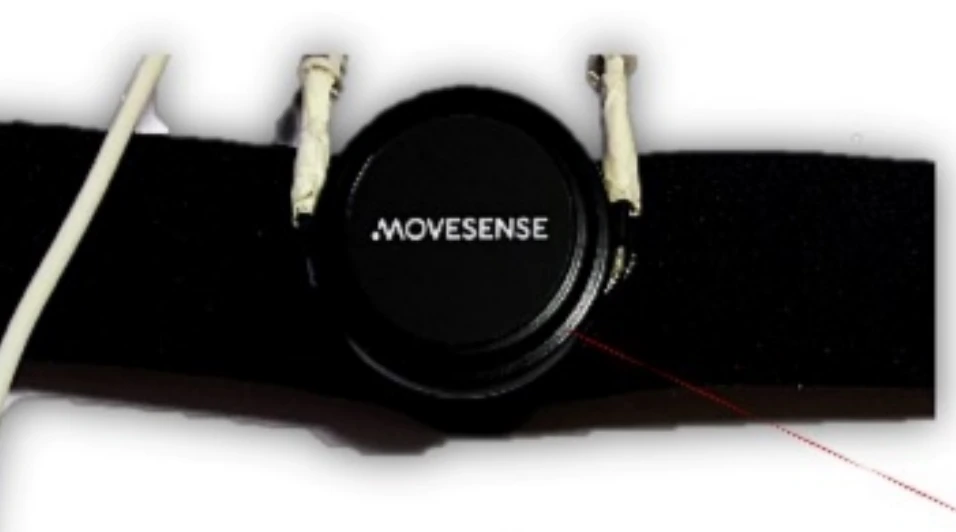
Set up the belt and phone
Use the HR+ sensor, the chest electrode belt, a working CR2025 and an iOS or Android phone with Bluetooth LE enabled. Install Movesense Showcase from the links in the manufacturer guide. Fit the belt for electrode contact and connect to the sensor in the app. Record its firmware version. Showcase and official downloads
Check one stream at a time
Select ECG, start a short recording and stop it. Export and reopen the data. Check that timestamps increase and the sample values change. A flat trace or empty export calls for checking electrode contact, app permissions and the selected data stream. Repeat with acceleration and make a gentle movement to see whether the motion samples change. These are expected observations.
Preserve the timing
Keep the raw files and the selected sample rate with each recording. Check for gaps before matching ECG to movement. The sample time on the sensor and the time a phone receives a BLE packet serve different purposes. Sequential test captures establish that both streams work independently. The proposed quality study requires concurrent streams and a separate timing check.