Compare SLAMTEC RPLIDAR C1 (C1M1) with Edge AI alternatives
View a room cross-section and test surfaces before mapping a cart. Compare the complete setup, developer access and trade-offs before choosing your first build.
Motion and sensor AI: Thingy:53, Nano Sense Rev2 or Nicla Sense ME? →SLAMTEC RPLIDAR C1 (C1M1)
Live ranges at one height and a model-specific ROS 2 example.
Use a depth camera when the target may be above the scan or you need appearance.
Hardware facts link to manufacturer documentation. Build fit is our editorial assessment. The linked hardware experiments are still unrun; synthetic code checks do not establish accuracy, speed, battery life or reliability on these devices.
Compare the whole build
Choose two products, or add a third. On a small screen, swipe across the table.
| What matters | 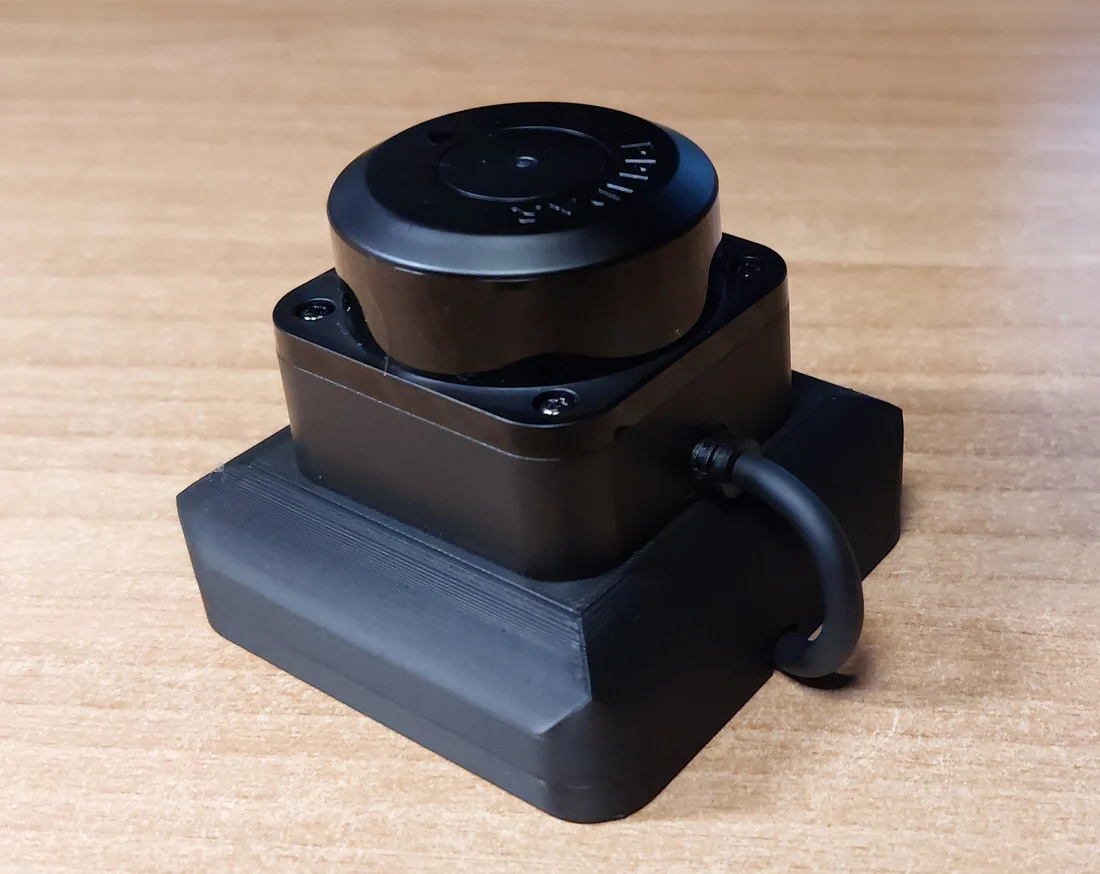 SLAMTEC RPLIDAR C1 (C1M1) ↗Full specificationsEstimate my cost → | 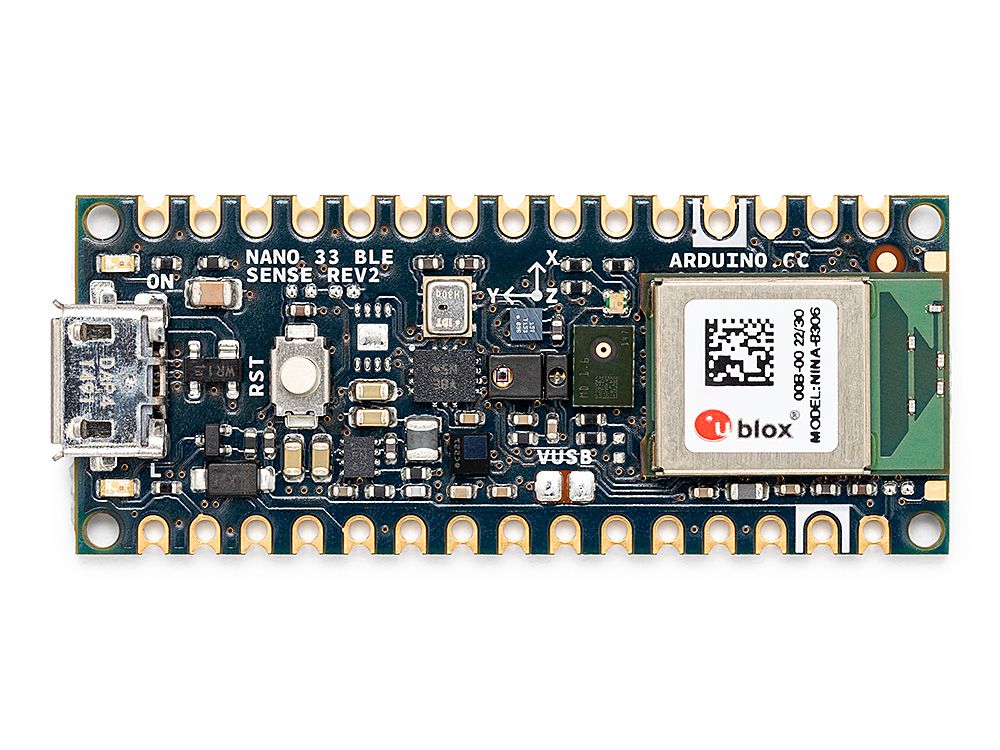 Arduino Nano 33 BLE Sense Rev2 ↗Full specificationsEstimate my cost → |
|---|---|---|
| Who it suits | Live ranges at one height and a model-specific ROS 2 example. | Best fit: a learner or Arduino/C++ maker who wants to own the full small-model loop: collect motion or audio, train, export, modify the application and test a new wearer. Prefer Thingy:53 for an enclosed battery kit and phone-led first demo; prefer Nicla for Bosch sensor-hub outputs. This is an editorial assessment. |
| What you can build first | Place the scanner on a level surface. Run SLAMTEC’s C1 example and move a flat board across the beam. Look for the board’s trace moving against stationary walls in RViz, the ROS visualization tool. Bench guide | Proposed first result: distinguish two deliberate hand gestures from ordinary movement, then print the result over USB. A wearable shortcut, toy controller or simple sound classifier can follow. Start with one input stream and include a reject class; a convincing training demo is not evidence it works for another person. Gesture build |
| Device price | US$71.92 for C1M1 (RB-Rpk-35). | $39.70 with headers (ABX00070); $38.70 without headers (ABX00069). These are US Arduino Store prices, not a complete kit. With headers · Without headers |
| Other setup costs | Add any missing adapter, cable and computer at quote. Cart and odometry are separate. | Allow $5–15 for a suitable data USB cable and basic bench accessories (editorial estimate). This gesture/sound prototype uses the onboard sensors and an existing computer. A battery, enclosure or extra sensors would be additional. |
| Subscriptions and usage | $0 required for local processing. | $0 subscription budget for the proposed local inference build. Training on your own computer avoids a hosted training bill. Optional paid cloud tooling, team plans and storage are outside this example; check their terms separately. Edge Impulse Developer is $0/month for individual exploration/prototyping; Enterprise pricing is separate. Tool pricing |
| First-year build budget | $71.92 with host, adapter and cable available, otherwise add missing equipment. Tax, shipping, electricity and labor excluded. | $44.70–54.70 = $39.70 ABX00070 + $5–15 cable/basic-mount allowance + 12 × $0 required service, with an existing computer/USB power. $39.70 if accessories are also reused. New computer and portable setup unquoted; tax, shipping, electricity and labor excluded. |
| Price basis and date | RobotShop US · 25 Nov 2026. | 14 Nov 2026 · USD · US Arduino listings. ABX00070 available=true in official feed; checkout/delivery unverified. Accessories are editorial allowances. |
| Getting started and difficulty | Install ROS 2 and RViz, build the vendor’s driver with colcon, then source the workspace in the shell that launches RViz. Identify the USB serial port and check that your user can access it. For a moving map, learn how ROS timestamps scans and represents the scanner’s position on the cart. Driver setup | Moderate for an Arduino/C++ beginner; more work for reliable recognition (editorial assessment). Install Arduino Mbed OS Nano Boards and Arduino_BMI270_BMM150 for Rev2, then upload SimpleAccelerometer. Success is a changing three-axis stream in Serial Monitor as you move the board. A charge-only cable or Rev1 sensor library can prevent that first result. No cloud account is required for this USB sensor check. Official accelerometer example Then collect labeled windows, use the supported Edge Impulse Rev2 deployment route, and test an untouched recording session. Hosted training requires an account/internet; inference runs on the board. Expect to learn dataset design, model export, memory limits and reject-state logic before adding BLE. No hands-on setup duration is claimed. Rev2 deployment guide |
| Input and output | Angle and range samples over serial, delivered as LaserScan messages. | Motion, microphone and environmental sensors → a class and confidence → GPIO or Bluetooth LE event. No built-in camera or Wi-Fi. Board documentation |
| Where the model runs | Ranging on the scanner. RViz, mapping and optional learned processing on the host. | The nRF52840 microcontroller runs the model. 64 MHz Cortex-M4F, 256 KB RAM and 1 MB flash must hold your application, buffers and model. Datasheet |
| Complete the setup | C1, compatible USB adapter and cable, ROS 2 computer. | Board + USB data cable + computer for programming and data collection. For a wearable, add a suitable power supply, mounting and enclosure. A Pi is not required. |
| Path to a custom model | C++ host SDK and ROS 2 driver. A learned classifier requires its own dataset and deployment on the host. | Arduino C/C++ and a TinyML deployment workflow such as Edge Impulse. Collect labelled sensor windows, train off-device, check memory use, then flash the classifier. Use the Rev2 IMU library. |
| Power and portability | The development-kit adapter connects to the host over USB. A mobile system must power the host as well. | A candidate for a compact sensor node. Battery life depends on sampling, inference, radio use and board configuration; measure current before choosing a battery. No battery-life result is available here. |
| First hardware test | Move an opaque board in front of a stable wall and watch the trace. | Hold out an entire person or recording session. Test normal movement as well as intended gestures. Count false events per hour and missed gestures, then measure current with Bluetooth enabled. |
| When to choose another route | Use a depth camera when the target may be above the scan or you need appearance. | Choose a camera route for visual inspection. Choose Jetson for free-form language. A small sensor classifier does not understand arbitrary spoken instructions. |
Measure the application
For a counter, measure count error and delay. For a wearable, measure false triggers and current. For a language assistant, measure field accuracy and response time. TOPS ratings across different architectures, precision and sparsity settings do not answer those questions.
Price the complete setup
Include the host, sensors, storage, power supply, cooling, enclosure and model-development effort. A camera module, an accelerator board and a developer kit include different things. Check current regional prices with the makers before purchasing.
These can work together
A proposed robot could use Nano for motion events and Jetson for perception. A Pi can turn camera detections into dashboard events. Define timestamps, stale-data handling and the communication link before combining devices. Local inference still needs an explicit data-retention and network policy.