Audit a generated meeting note
Proposed build · Compare a NotePin summary with a small script where every decision is known.
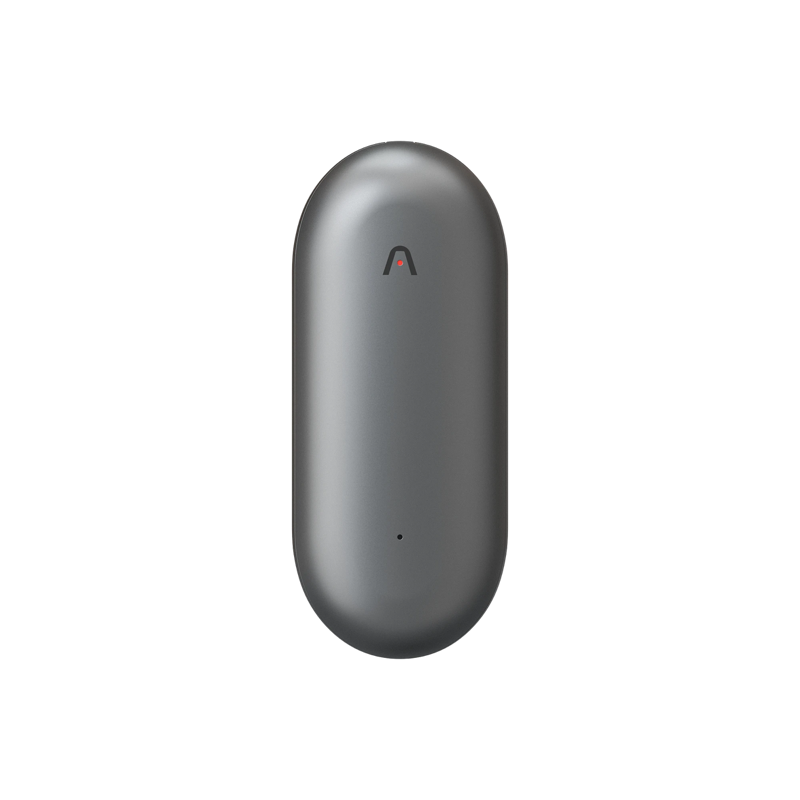
Device profile · Plaud NotePin ↗This is a proposed workflow. Follow the linked official setup, then use the checks below to decide whether it works on your hardware.
Difficulty & prerequisites
Beginner. Use an original NotePin, paired phone, internet connection, Plaud account and available transcription access. For the CLI, install Node.js 20+ and the official @plaud-ai/cli package. Use only a recording you own.
1. Make a reference script
Write three tasks with owners and dates. Add a correction to one date. Ask a consenting partner to read the script with you. Record, sync and process it in Plaud. Give the recording a unique title.
2. Retrieve the same recording
Install the official CLI and sign into the account that contains the test recording. Use its unique title and duration to find the ID. Inspect the metadata first. When both text outputs are available, run the last two commands in a private working directory. If you keep the recording only on your phone, use the mobile exports instead of turning on cloud sync just for this test. Mobile export guide
npm install -g @plaud-ai/cli
plaud login
plaud files
# Replace this value with the ID shown for your test recording.
recording_id="YOUR_RECORDING_ID"
plaud file "$recording_id"
plaud transcript "$recording_id" -o transcript.txt
plaud summary "$recording_id" -o summary.md
3. Reconcile claims
For each task, compare the script, audio, transcript and summary. Note whether the final owner and corrected date survived. Keep observations about missed words separate from facts that the summary changed or added.
Expected artifact
A four-column audit showing the first point where any claim diverges. The lab has not tested the device or scored a transcript.