Receive one photo before building an assistant
Official baseline with a proposed extension. No hands-on execution claimed.
Device profile · Mentra Live ↗This is a proposed workflow. Follow the linked official setup, then use the checks below to decide whether it works on your hardware.
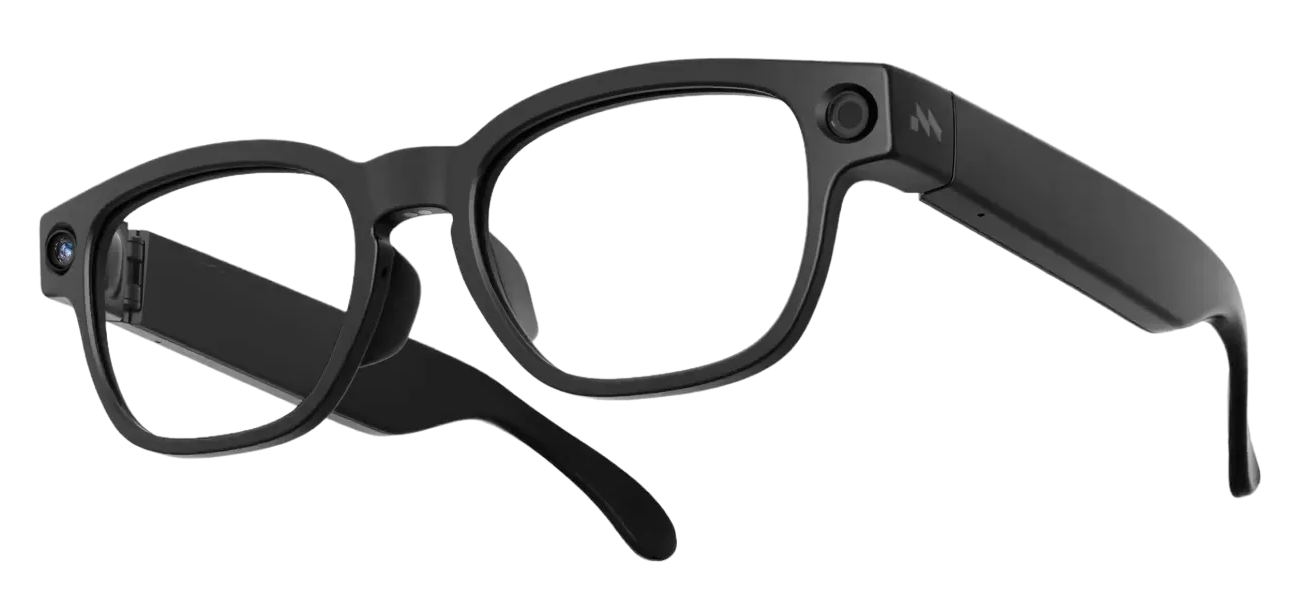
First observable result
Start with one button-triggered photo displayed in the official starter app on a physical phone. Success means a fresh image of a printed test card arrives and the app shows a completed capture, not merely a connected Bluetooth status. The starter demonstrates capture; an OCR-and-read-aloud assistant is our proposed extension.
Next possibilities: attach a voice note to a repair photo, or stream a controlled workspace to your own endpoint. These require application code and testing. Official starter · Build guide · Unrun test
Equipment and cost
US retail, checked 12 Nov 2026: Mentra Live is $449 with charging case and Infinity Cable. A compatible physical phone, development computer, USB-C power source and connectivity are additional requirements; reuse them if suitable, otherwise obtain quotes. First-year local starter = $449 + missing phone/computer/power + any connectivity costs. $449 is only a conditional incremental subtotal with all supporting equipment already owned.
No paid cloud service is required by the documented local camera starter. The included month of Mentra Call is a separate optional calling service; its page advertises plans from $29/seat/month and also shows $89, without enough extracted tier detail to quote a complete annual contract here. Verify tier and trial eligibility before subscribing. Custom OCR, speech, streaming servers, paid API usage, mobile distribution and hosting are extra and depend on your design. Tax, shipping, electricity and labor excluded. Hardware quote · Optional Call plans
Start with the documented example
Use the Bluetooth SDK quick start and a physical phone. Choose the native Android/iOS or React Native example, install the required development tools, grant documented device permissions, pair the glasses, then use the Camera example without a separate server. Keep SDK and glasses software on a matching documented release. React Native needs a native development/production build; Expo Go is insufficient.
The shop specifies iOS 15.1+ and Android 12+, while the SDK lists its own lower-level platform minimums. Plan against both the device/app requirements and your chosen SDK rather than assuming a low Android API minimum guarantees the retail experience. Building your own app requires mobile permissions, signing/build tooling and handling disconnects; it is not just a browser script.
Before adding AI or actuators
Record the exact hardware and software setup. Run the unrun experiment and preserve failures as well as successes. Advance only when the baseline result and recovery behavior are understood.