Run one offline voice command, then build your own panel
Start with the factory screen/LED response; verify a simple firmware build before implementing proposed Chinese workbench commands. Not hardware-tested by Inside AI.
Device profile · Espressif ESP32-S3-BOX-3 (standard kit) ↗This is a proposed workflow. Follow the linked official setup, then use the checks below to decide whether it works on your hardware.
Equipment and first-year cost
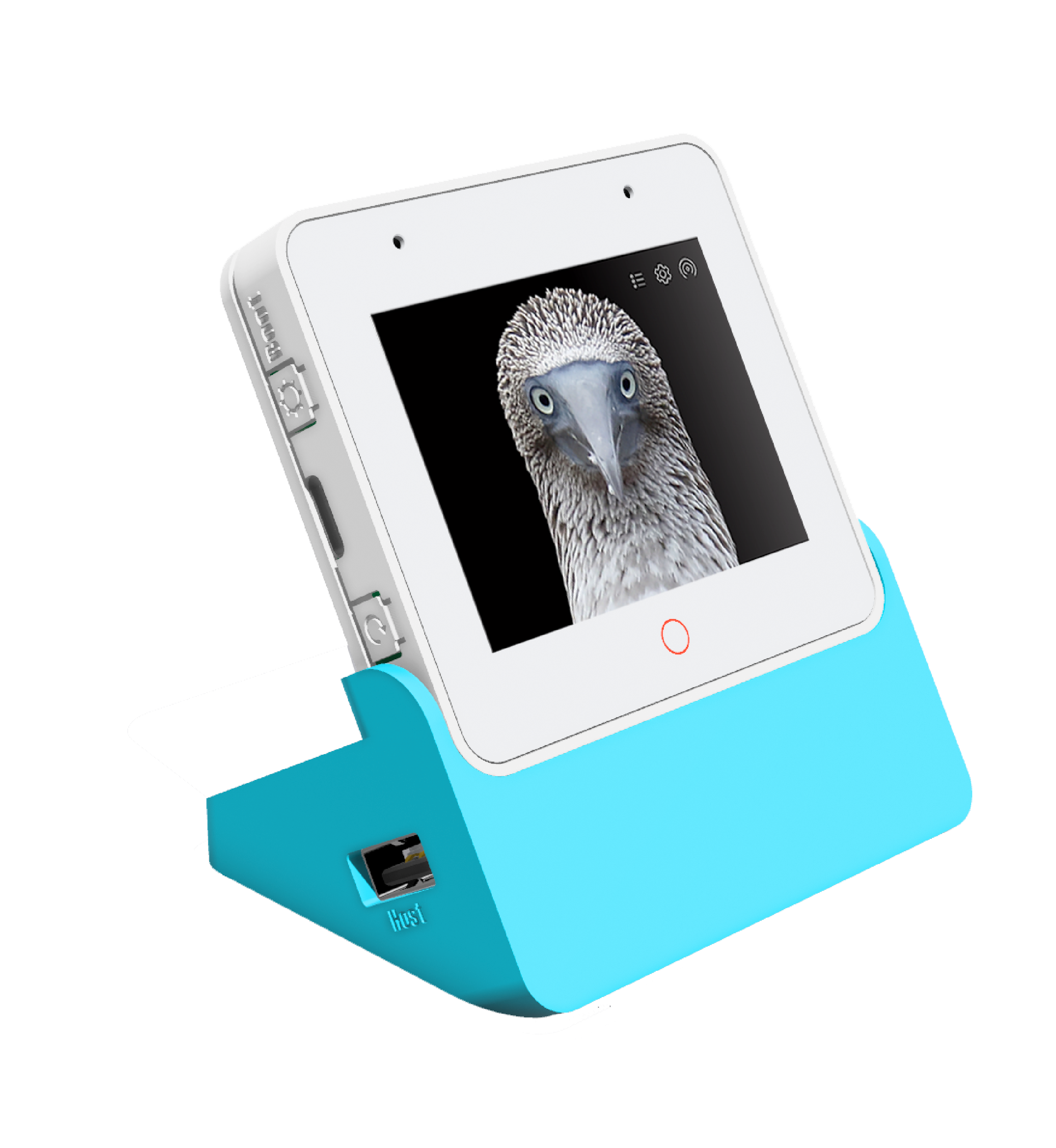
Exact standard ESP32-S3-BOX-3 kit, US purchasing basis, checked 17 Nov 2026: current device quote, stock, shipping and import/tariff treatment could not be independently verified because Mouser denied automated access. First-year formula = verified standard-kit quote + any missing host/power/data-cable cost + $0 required local-recognition subscription. Reuse a computer, suitable USB power source and a USB-C data cable; the official kit lists a USB-C power cable but does not establish it is a data cable. Microphones, speaker, screen, four blue accessories and test LED/wires are in the standard kit. A battery, microSD card and cloud API are unnecessary for this first project. Buying missing equipment adds unquoted cost, so no complete total is claimed. Taxes, freight, tariffs, electricity and labour are excluded. Retailer—quote required · Kit contents
Verify the official factory demo
Use the standard BOX-3 kit and follow the official Pmod pin diagram to connect the supplied RGB LED with power off. Power by USB-C, confirm the firmware version in About Us, and use the official update path if necessary. Wake with the displayed phrase; the English guide uses “Hi E. S. P.”, then “Turn on the light” within its recognition window. Success is matching text on screen, LED on and acknowledgement. Check mute, timeout, wiring and the selected language when it fails. Do not treat the LED example as mains-appliance control. For Chinese, follow the documented About Us → Boot → factory Mode voice-language selection; the guide does not establish that every current ESP-SR model is installed. Official steps and language switch
Prove the build environment before speech changes
Use the ESP-BOX README’s supported ESP-IDF/revision combination, clone recursively, select the correct BOX-3 board and first build/flash examples/image_display. Observe a displayed image and serial logs. A USB-C power-only cable cannot establish a programming connection. Record the commit and dependency versions before touching factory_demo; its manifest specifies esp-sr 1.4.*, while current MultiNet docs cover newer variants. Developer instructions · Small official example
Proposed Chinese workbench panel
After the official baseline works, configure two distinct Chinese commands in a compatible ESP-SR build and map IDs to a harmless timer/step display with a touch confirmation or cancel. Keep frame size and 16 kHz/16-bit mono input consistent with AFE output. This is an unimplemented extension, not a shipped timer app. Avoid mixing Chinese and English inside one command. No mobile-app account is required for this proposed firmware-level configuration; the separate factory app route does require registration. MultiNet command API · Noise and outage experiment
Optional IR and cloud branches
The standard-kit SENSOR has an official ON/OFF IR-learning demo, but broader appliance actions/protocols remain a separate implementation. For cloud dialogue, first specify what audio/text is sent, provider and usage budget, timeout and local fallback. A cloud response must not silently replace a failed fixed command. Both extensions are untested here. IR demo scope