Arduino Alvik (AKX00066)
Start with a ready-made hand-following robot, then give a separate AI planner a small, testable action vocabulary. Motors, battery and sensors are included; the AI planner is your own extension.
Illustrative sequence and routes; timing is not measured.
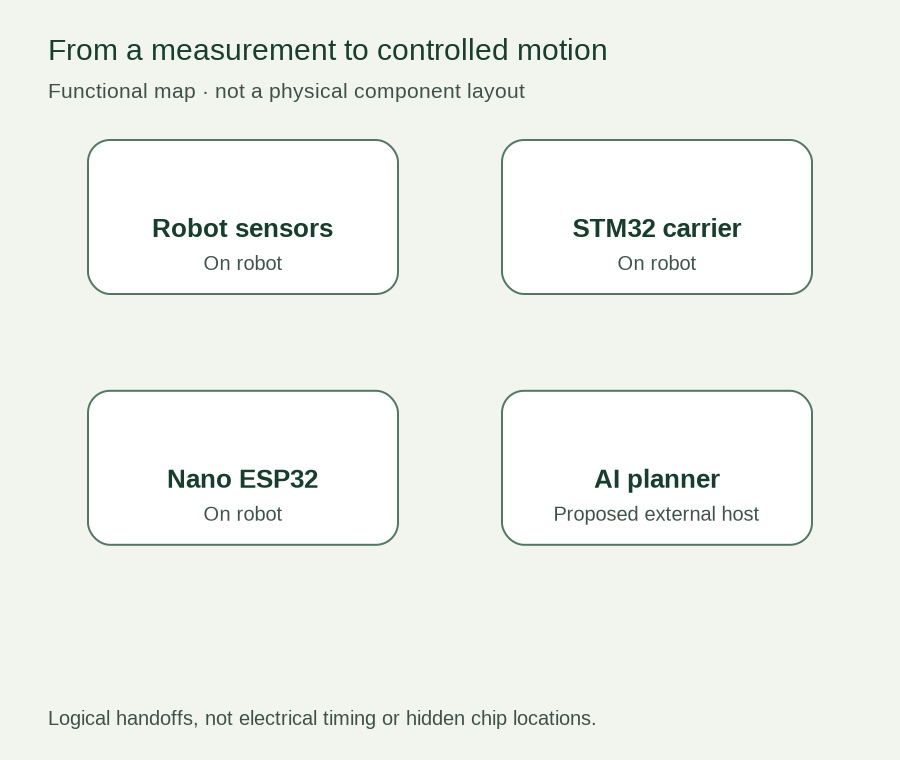
Inside AI functional illustration. Positions organize roles rather than physical components. Arrows show logical handoffs, not PCB traces or measured latency. External hosts and proposed branches are labeled; zoom enlarges this diagram only.
Inside AI; based on official documentationComponent guide
Select a number or a component to follow its role. Inspecting a component pauses the walkthrough.
Robot sensors
Distance, color, inertial and line sensors measure different aspects of the scene and robot.
Is this for me?
For Python beginners, educators and developers who want observable motion and sensor feedback without building a chassis. The AI-learning opportunity is to compare a deterministic controller with a bounded external planner. Alvik is not an included conversational AI agent and it has no onboard camera in the documented kit.
What you can do with it
Run the supplied green Hand Follower demo on a clear floor: move your hand in front of the robot and observe it try to maintain the documented 10 cm distance, then use the cancel button to stop. This is an official example, not a result tested by Inside AI.
Next, print distance readings in MicroPython before writing a low-speed move-and-stop routine. A natural-language command such as “move to the blue area” is a proposed extension: a separate model selects from fixed commands while local code checks sensors and stops the robot. Official start and demos · Build guide · Unrun test
What the complete setup costs
US store, USD, 12 Nov 2026: AKX00066 is $112 promotional price (listed regular $140). The official feed reports available; checkout and dispatch still need confirmation. Robot, attached 18650 battery and USB-C-to-USB-C cable are included. Reuse a suitable USB charging source; add an adapter if your equipment needs one.
First-year stock-demo setup = $112 + missing charging equipment. For custom coding add a compatible computer if not owned. $112 is a conditional incremental subtotal with charging equipment/computer reused, not a universally complete AI build total. No subscription is required for local demos/programs. An external AI planner adds its host and optional API/hosting charges; no free model-provider quota or existing GPU is assumed. Floor markings and project props are optional unquoted additions. Tax, shipping, electricity and labor excluded. US quote · Included equipment
How to start — and what you need to learn
Remove the battery transport tab and follow the official battery/firmware guide. Select the green example and learn the cancel control before changing code. For MicroPython, install Arduino Lab or use the documented browser option; the online editor requires an Arduino account. Keep the robot off while programming as the guide directs, then move it to a clear floor for motion tests.
The first coding skill is reading distance values and mapping a bounded condition to a stop/move action. An AI planner later requires messaging, input validation, timeouts and recovery logic; a model’s plausible command is not a verified navigation plan.
When another product is a better choice
Choose a stationary camera board if your project is image recognition rather than motion. Choose SO-101 for grasping tasks and accept its separate mechanical setup. Alvik provides an accessible mobile baseline, but a small wheeled platform with no camera is not a substitute for a vision robot or an industrial mobile base.
To explore where a robot is relative to fixed points in a room, see the Qorvo DWM3001CDK ranging guide. It starts with the distance between two radios before adding anchors for positioning.
What we know — and what still needs testing
Official hardware documentation and ready-to-go demos establish the available parts and initial behaviors. The proposed language-command and miniature-warehouse workflows are not included proven features. No tests here of wheel slip, repeatability, obstacle stops, networking, battery duration or external-model latency. Small on-device models are not ruled out; the specific LLM planner proposed here is external.
Architecture
A Nano ESP32 runs the user program while a separate STM32 Cortex-M4 carrier controller handles sensor/motor services. The high-level program reads measurements and issues movement requests through the Alvik API. Wheel motion changes the next sensor readings, closing the loop. Distance, color, IMU and line sensors support different tasks; none is a camera.
For the proposed language-control extension, a separate computer interprets language into a restricted action request. Local robot code must validate that request, enforce travel/speed limits and stop on stale commands. That external stage is a proposed design, not factory AI functionality. Components and responsibilities
Documented capabilities
The official start guide supplies touch-command, hand-following and line-following examples. MicroPython exposes sensor readings and motion actions; the guide includes an obstacle-avoidance program. These are useful baselines for learning control and measuring mistakes before introducing AI-generated requests.
SDKs, APIs & extensibility
Use the public MicroPython library and documented C++ path to implement local programs. The reviewed MicroPython library license is MPL-2.0; that statement applies to the library, not automatically every board asset or third-party AI dependency. An external planner can be written separately, but its transport and watchdog behavior need implementation and validation. MicroPython source · Library license
Limitations
No included vision camera or general-purpose LLM service. Odometry can drift when wheels slip; floor material and tight turns matter. A hand-follower example does not establish safe autonomous navigation. Stop behavior after lost commands, invalid model output and reset must be measured. Do not use unprotected table edges as a first test area; the official guide warns about falls.
Privacy & data flow
Stock motion examples and the MicroPython control loop can operate locally. The online editor has an Arduino login requirement; that is distinct from needing a cloud subscription to move the robot. Our external-planner design would send commands or selected sensor summaries to the chosen host/provider. Decide what leaves the robot and avoid adding raw audio/video capture without a specific purpose.