Build a local desk-status responder
Proposed build · Ask one precise question, read a real Home Assistant entity, and speak an explicit unknown state when its data is unavailable.
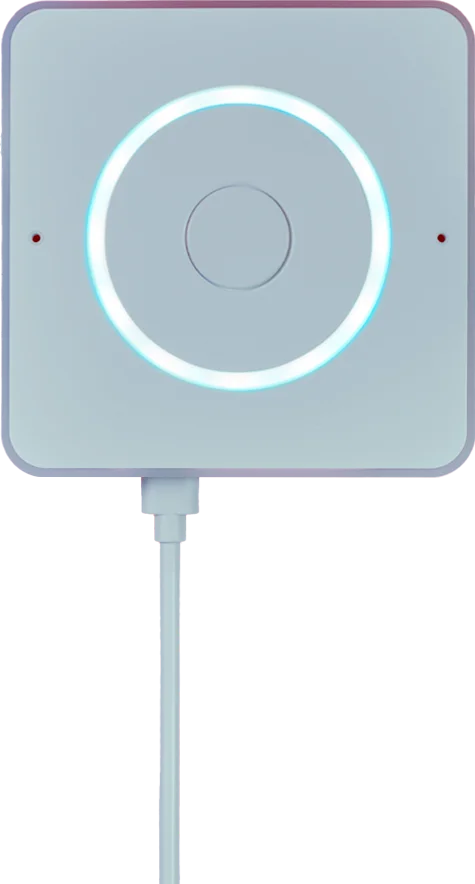
Device profile · Home Assistant Voice Preview Edition ↗This is a proposed workflow. Follow the linked official setup, then use the checks below to decide whether it works on your hardware.
Prerequisites and scope
Use Voice PE, its power supply, a Home Assistant OS host, local Wi-Fi and a locally integrated desk lamp. Pick an existing light entity and record its exact ID. Start with local Whisper, the Home Assistant conversation agent and Piper. This avoids assuming that a restricted recognizer already knows the custom phrase. Follow the official pipeline setup, then select that pipeline for the satellite. Local setup
1. Verify the entity before the voice
Check the lamp entity in Home Assistant while switching it on and off normally. Confirm its state changes to on and off. Record how the integration reports a disconnected lamp. If it keeps a stale on/off value, the simple responder below cannot detect that freshness problem; treat that as an integration limitation and add a last-update check in a later iteration.
2. Create a narrow sentence automation
In the automation editor, create a Sentence trigger for “what is the desk status”. Add a Set conversation response action, replacing light.desk_lamp below with your verified entity ID. The proposed YAML intentionally avoids an actuation command. Sentence triggers are documented to run before matching built-in sentences; choose a unique phrase and check for duplicate automations. Sentence trigger documentation
alias: Desk status voice reply
triggers:
  - trigger: conversation
    command: "what is the desk status"
actions:
  - set_conversation_response: >-
      {% set state = states("light.desk_lamp") %}
      {% if state == "on" %}
        The desk lamp is on.
      {% elif state == "off" %}
        The desk lamp is off.
      {% else %}
        The desk lamp status is unavailable.
      {% endif %}
3. Test in Assist text chat
Type the exact phrase with the lamp on, then off. Open the automation trace and compare the reply with the state observed at that moment. If the phrase does not trigger, resolve the automation or conversation-agent configuration before testing spoken requests. This is a proposed configuration; we have not run it in a Home Assistant instance.
4. Repeat through the satellite
Ask the same question from a marked position, then with normal room noise. Record the recognized sentence, whether the automation ran, and whether the spoken reply matched the current entity state. Keep those three outcomes separate. Wrong recognition, no matching automation and outdated entity data require different remedies.
5. Explore a second path deliberately
After the Whisper baseline, try the installed Speech-to-Phrase version only if its supported custom-command configuration can recognize this sentence in your language. Do not assume merely adding an automation teaches the recognizer. Compare missed commands and total response time using the same room and participant. Current recognizer documentation
Expected artifact and next development
A reusable response automation plus a small test log, not an accuracy score for all voice commands. A later version could report a workbench sensor, explain a stale reading, or provide a short accessibility-oriented status check. Keep device state separate from generated interpretation. Run the failure test