Extract a work order without sending the note away
Run a local text model on the Jetson, submit a corrected quantity and compare the returned fields against the written instruction.
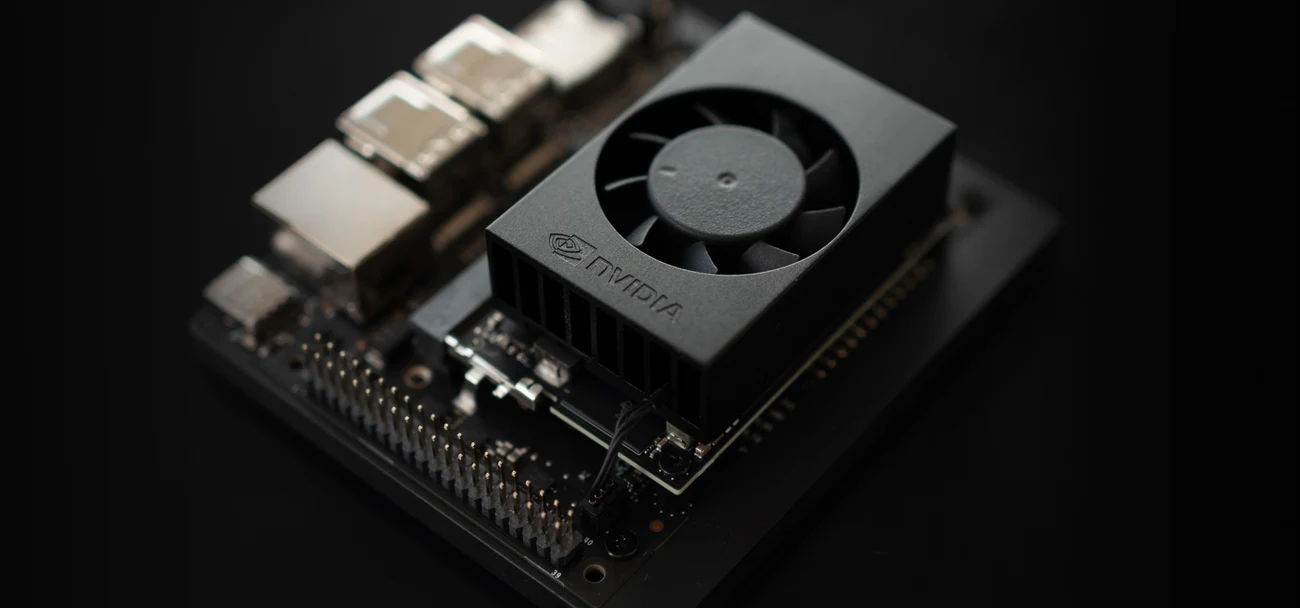
Device profile · Jetson Orin Nano Super Developer Kit ↗This is a proposed workflow. Follow the linked official setup, then use the checks below to decide whether it works on your hardware.
Prepare the kit
Intermediate. Use an 8 GB Jetson Orin Nano Super Developer Kit, its power supply and cooler, compatible storage and a working JetPack installation. For the Jetson AI Lab Orin walkthrough, use the supported JetPack 6 path and native Ollama installation. Confirm firmware prerequisites before changing the boot image. NVMe gives more room for model files. NVIDIA · Developer kit first boot · Jetson AI Lab · Ollama on Jetson
1. Provision the local model
Complete the native Ollama install and start the local service. Pull the specific model, record the installed tag and model ID, and keep the test on the Jetson itself. A loopback URL on a different computer would point to that other computer. Ollama · Llama 3.2 3B model card · Ollama · Local operation and network configuration
ollama pull llama3.2:3b
ollama list
ollama --version
cat /etc/nv_tegra_release
sudo nvpmodel -q
2. Submit a synthetic repair note
Run this Python 3 example on the Jetson. The reference answer is F-17 and 3. Inspect the actual response even when parsing fails. The code contains no measured output and does not place an order. Ollama · Generate API · Ollama · Response metrics
import json
import time
from urllib.request import Request, urlopen

note = "Filter F-17: order two. Correction: order three."
payload = {
    "model": "llama3.2:3b",
    "stream": False,
    "format": "json",
    "prompt": ("Extract the final order. Return JSON with part and quantity. "
               "Use null for missing values. Note: " + note),
    "options": {"temperature": 0, "num_ctx": 2048, "num_predict": 64}
}
request = Request("http://127.0.0.1:11434/api/generate",
                  data=json.dumps(payload).encode(),
                  headers={"Content-Type": "application/json"})
start = time.monotonic()
with urlopen(request, timeout=180) as response:
    result = json.load(response)
elapsed = time.monotonic() - start
print("wall_s", round(elapsed, 2), "load_s", result["load_duration"] / 1e9)
print("model output:", result["response"])
fields = json.loads(result["response"])
print("matches reference:", fields == {"part": "F-17", "quantity": 3})
3. Check the deployment
While the model is resident, inspect ollama ps for processor placement. Run the same request after disconnecting the network. Keep the written reference, raw reply, pass/fail, software versions and wall time in a local test sheet. A working offline request and a correct answer are separate checks. Ollama · Local operation and network configuration
Expected deliverable
One draft record that a human can compare with its source sentence, plus timing and correctness for the actual run. The board, runtime and model were not executed by Inside AI.
Software check · corrected quantity
We ran the client against two synthetic API replies for filter F-17. Its reference check accepted quantity 3 and rejected the superseded quantity 2. Both replies were valid JSON. No model generated these fixtures. Correct extraction, memory use and response time still need to be measured on the kit. Run the context-budget test