Make a spoken command appear on a screen
Start with the official U194 + CoreS3 example, then consider a two-state desk indicator.
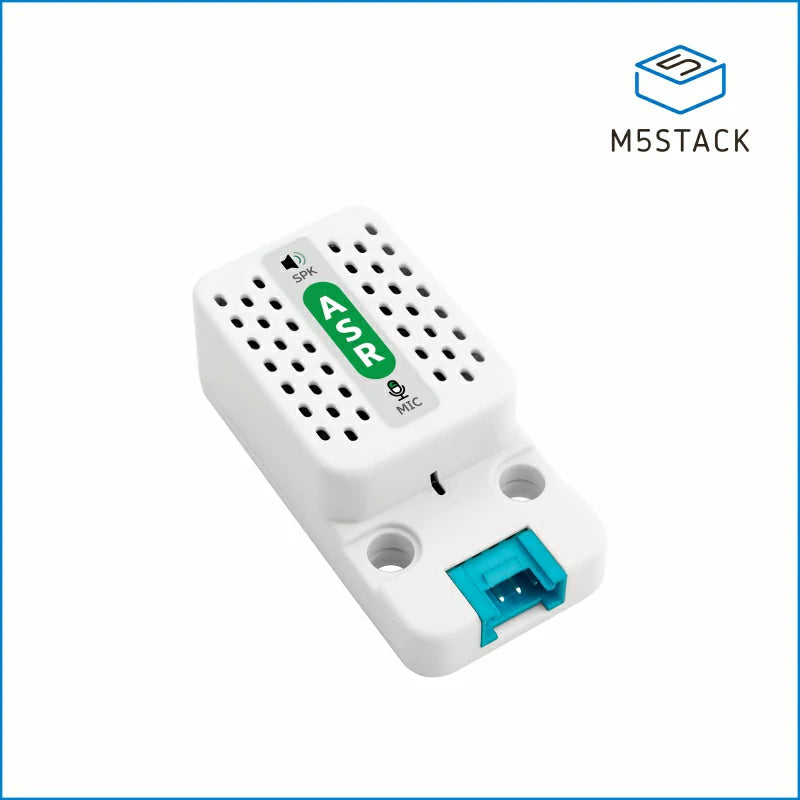
Device profile · M5Stack Unit ASR (U194) ↗This is a proposed workflow. Follow the linked official setup, then use the checks below to decide whether it works on your hardware.
Prepare the exact first setup
USD, official international M5Stack store, checked 15 Nov 2026: Unit ASR U194 $7.50 including the 20 cm Grove cable; CoreS3 K128 $59.90 for the exact official Arduino starter. Both pages displayed 10+ in stock; delivery and taxes depend on destination. U194 quote · K128 quote
First-year starter = $7.50 + $59.90 if buying the CoreS3 + $5–15 editorial allowance for a USB-C data cable/suitable power + $0 required inference subscription, using an existing programming computer: $72.40–82.40. With CoreS3, cable, power and computer already owned, incremental cost is $7.50. A missing computer is an unquoted required item, not zero. The Grove cable, microphone and feedback speaker are included; no extra microphone, speaker, camera or storage is needed for this example.
Custom vocabulary is optional: add a compatible UART downloader, any platform charges and your development work; current downloader price and Smart Pi service terms/quotas are unverified, so that expanded setup has no verified complete total. No monthly/annual plan or trial is assumed. Optional connected-host APIs/hosting add usage charges. Tax, shipping, electricity and labor excluded.
Basic Arduino/C++ and USB flashing skills. Install the board support plus M5Unified, M5GFX and M5Unit-ASR; connect U194 to the documented CoreS3 UART port using the included cable; upload the official Turn On/Off sketch. Follow its board-specific RX/TX pin mapping rather than copying pins to a different ESP32. Open the serial monitor at 115200, wake the unit and compare the display, command ID and spoken acknowledgement. Setup and code
Registering a callback only handles an existing command ID; it does not teach a new phrase. Custom words require Smart Pi account registration, configuration, firmware generation and a separate UART flashing workflow. The guide says one language at a time, not mixed Chinese/English. Desktop compatibility, recovery after a failed flash and current platform availability still need a real-device check. Vocabulary workflow
Observe before extending
Upload the linked official Turn On/Off sketch unchanged. Say the documented wake phrase, observe the acknowledgement and wakeup message, then issue on/off. Success means the expected command ID and display text agree. If the module speaks but the display does not change, inspect UART wiring, pin mapping and the running sketch; if nothing wakes, check power and factory firmware before changing code. No hardware test was performed for this guide.
Build a useful two-state display — proposed
Once the official example works, map the existing on/off IDs to AVAILABLE/BUSY on the host screen. Keep a manual override and suppress repeated events deliberately; test that policy rather than assuming it is provided by the module. The official starter is a simulation and this desk-state extension is our untested proposal. Noise and language experiment
Only then change vocabulary
Adding a callback string in C++ does not train the module. Follow the firmware-generation guide to change recognized words. Preserve unique IDs and the AA 55 ID 55 AA format. Budget the separate downloader and verify platform terms. Save the known-working factory image and establish a recovery procedure before customization.