See your first on-device motion result
Use the documented Thingy:53 demo before training a custom model; then design a small gesture logger.
Device profile · Nordic Thingy:53 ↗This is a proposed workflow. Follow the linked official setup, then use the checks below to decide whether it works on your hardware.
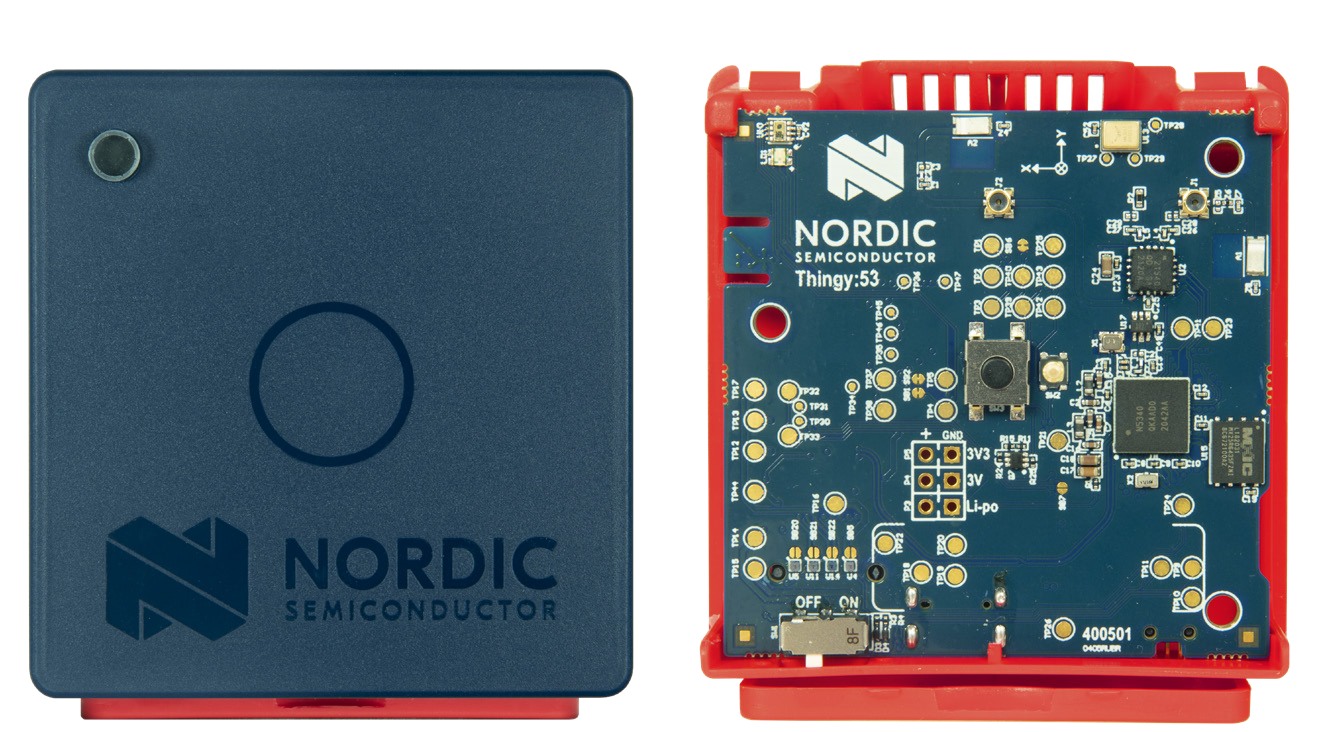
Prepare a known starting point
Use THINGY53 with its supplied Edge Impulse firmware, a suitable USB power supply/cable, a compatible iOS/Android phone and an Edge Impulse account. Record the board revision, firmware and app/OS versions. A previously reflashed board may require recovery; follow the official board guide rather than guessing a firmware image.
Connect and observe before training
Follow the guide’s nRF Edge Impulse connection steps. Open Inferencing with the default motion model and move the device through the model’s documented example patterns. Expected output: changing classification results in the app from the device’s running model. Failure: no connection, no changing inference output or repeated invalid/stale data. Resolve that before collecting training data; no hands-on result is claimed here.
Proposed next build: a gesture event logger
First collect separate labeled sessions for a small set of deliberate gestures and an idle/unknown class. Compare a threshold baseline with a trained classifier. On a chosen receiver, log a label and timestamp only after a stable decision; use a cooldown and stale-sample timeout. This logger is proposed custom implementation, not a shipped app. Keep raw recordings only where needed for evaluation. Test design.
Choose a reproducible development route
For model-only iteration use the guide’s matching Studio deployment. For source builds, pin the README’s NCS 2.4.0 workflow and record dependencies; current upstream Zephyr target names differ. Observe a successful flash, boot and reconnect before adding custom output logic. USB/OTA recovery and external debug are distinct paths; a debug probe is optional for the first demo but may be needed for deeper recovery.