Build a distance-aware desk zone
Proposed build · Recognize a bottle, check its depth, and report whether it occupies a marked zone. Hardware trial not yet run.
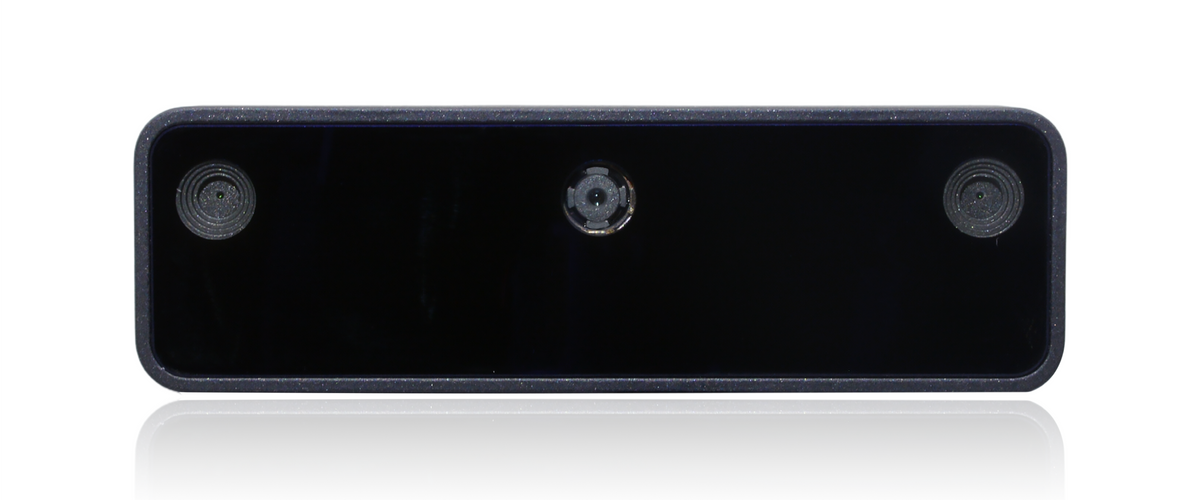
Device profile · Luxonis OAK-D Lite ↗This is a proposed workflow. Follow the linked official setup, then use the checks below to decide whether it works on your hardware.
What you need
Intermediate Python, OAK-D Lite, suitable USB data cable, compatible development computer, fixed mount, tape measure, textured bottle and a clear bench. Use the official DepthAI v3 setup and record the installed version plus the example revision. Run the camera-stream baseline first; do not mix v2 snippets with a v3 environment. Installation
1. Establish the manufacturer baseline
Run the linked spatial detection example unchanged. Verify that RGB, depth and object coordinates appear together. Download the model during setup, then record which model and platform were resolved. Save no images by default. The published sample uses YOLOv6-Nano; its existence does not establish performance on your particular lighting, host or cable. Spatial example
2. Define your zone before writing the rule
Mark one fixed region of the desk and measure its distance from the camera reference plane. Place a known object in the zone, beyond it and partly across its boundary. Inspect the depth region associated with the box. Choose near/far thresholds from these observations, leaving a gap between enter and leave thresholds to reduce flicker. Record the chosen values rather than copying an arbitrary distance.
3. Add a small state machine
Adapt the host consumer to select only the intended class and region. For each new result, reject missing/non-finite depth and observations older than the chosen freshness limit. Accept a state change only after three successive fresh observations agree; otherwise retain the last state until its timeout expires. A separate host watchdog sets unknown if messages stop. This is an implementation recipe; no custom runnable code or hardware result is claimed.
4. Produce a reviewable artifact
Write a CSV with host time, frame identifier, detected label, confidence, reported distance, validity and proposed state. Keep an independent handwritten truth log for entry/exit events. Compare them before adding a light or dashboard. Investigate whether the box is tracking the intended object rather than background or a second bottle.
Next possibilities
Reuse the pipeline for a tabletop exhibit, a distance-aware object counter or a robot perception viewer. Change one thing at a time: model, region rule, motion or lighting. Each extension needs its own test; none is currently a verified Inside AI build.